Ragdoll Destruction Playground Sandbox Experiment Checklist
A repeatable loop so every explosion teaches you something new.
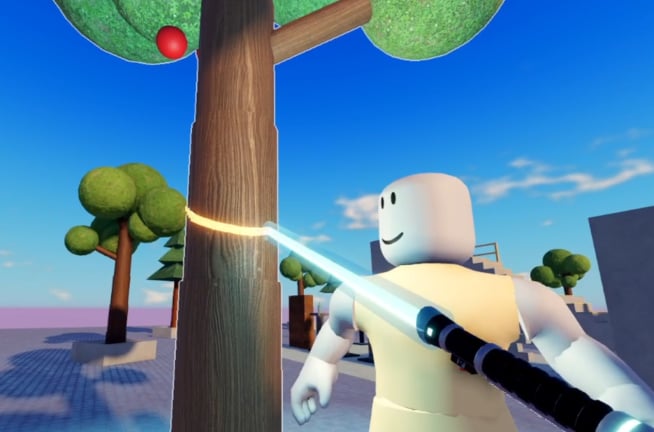
This sandbox checklist turns Ragdoll Destruction Playground into a friendly lab. You still get minigun storms and chainsaw punchlines—you just change one variable per reset so highlights and bug reports stay meaningful. Parent hub: Tools Hub.
Pre-flight (every session)
- Launch the Harpax Dev place from the Links Hub URL—not a lookalike.
- Confirm you are alone in a solo instance (expected while maxPlayers is 1).
- Skim the latest notes on the Updates Hub if Roblox just patched.
- Decide a one-sentence goal (example: “compare minigun spray vs chainsaw finish after the same explosive�?.
- Clear distractions; fake code sites are irrelevant—see Codes Hub.
Stage setup
- Hit reset map for a clean baseline.
- Place a small prop cluster (3�? pieces) instead of carpeting the world.
- Optional: add one NPC to watch behaviour under stress.
- Optional: add a fire source if today’s variable includes burn spread.
- Choose camera distance before arming anything loud.
Weapon and tool checklist
Mark only what you plan to use this run:
- Explosives (primary boom)
- Minigun (short bursts)
- Chainsaw (close finish)
- Fire (second-act linger)
- Extra props / unlockable items
- Slow motion (enter timing planned in advance)
Cross-check relative strength on the Weapons Tier List after two controlled runs.
Run protocol
- Announce the variable to yourself (“slow motion ON vs OFF�?is enough).
- Trigger the sequence without pausing to redesign mid-boom.
- If using slow motion, enter as the blast blooms—not five seconds late.
- Stop spraying once the joke or data point lands.
- Note frame-time feelings (smooth / soft / melt).
- Reset map before the next attempt.
- Change exactly one variable; repeat.
Two classic experiments
Experiment A �?Boom framing
Goal: best cinematic readability.
- Run 1: explosives only.
- Reset.
- Run 2: explosives + slow motion.
- Reset.
- Run 3: explosives + slow motion + fire.
Experiment B �?Finishers
Goal: minigun vs chainsaw identity.
- Identical prop + NPC seed.
- Softening explosive on both runs.
- Run 1 finisher: minigun bursts.
- Reset and rebuild seed.
- Run 2 finisher: chainsaw.
- Optional slow motion on a third pass for trailer energy.
Record which finisher felt clearer, funnier, and kinder to performance.
Stability interrupts (do these immediately)
- Reset map when debris hides the floor.
- Rejoin if objects tunnel or controls hitch.
- Lower ambition (fewer simultaneous fires) on weak devices.
- Avoid stacking unverified scripts mid-test; if you still use an admin menu, finish reading Admin Command Menu first.
Feedback packet (optional)
If something breaks, capture:
- Goal and variable list from this checklist
- Device class
- Whether reset or rejoin changed the result
- Patch context from Minigun and Chainsaw Update or newer notes
Send that package through channels described on the Players Hub.
After-session review
- Did the goal complete in under three resets?
- Which tool deserved a rank rethink?
- Any prop recipe worth teaching on the Guides Hub?
- Any description change hinting at codes? Verify before celebrating.
- Favorite the experience if the session was a win.
Quick reference links
Print this mental checklist, keep resets sacred, and let slow motion earn its S-tier reputation one deliberate take at a time.
Frequently Asked Questions
Quick answers to the most common questions.
How many variables should I change per run?
One. Reset the map, alter a single factor, and compare. That is how tier-list testing stays honest.
Do I need scripts to use this checklist?
No. It is designed for official weapons, props, slow motion, and reset map.
What if my device struggles during minigun tests?
Shorten bursts, reduce prop count, reset earlier, and skip simultaneous fire stacks.
Can I use this checklist for clip making?
Yes. Experiment A is built for cinematic explosives and slow-motion framing.
Where do I go next after finishing a checklist session?
Update your opinions on the Weapons Tier List page and skim Updates for new toys.